
UI/UX Design Services: What You Should Expect (and the Red Flags That Waste Money)
“UI/UX design services” is one of those phrases that sounds specific until you’re actually about to pay for it.
One provider means “we’ll make it look nicer”. Another means “we’ll do research and testing”. Another means “we’ll design screens and hand them to your developer”. Another means “we’ll redesign everything and hope conversions improve”.
That vagueness is not harmless. It’s how businesses end up paying for a tidy new interface while the same hesitation and drop-offs continue underneath. The spend happens, the team feels burned, and the website goes back into the “we’ll deal with it later” bucket.
This article is here to stop that outcome. It’ll tell you what UI/UX services should do, what you should expect at a minimum, and the red flags that predict wasted money.
Quick clarity: what UI and UX actually mean
UI (User Interface) is the layer people see and operate on a screen. It’s the layout, typography, spacing, buttons, and visual hierarchy that make a page readable, scannable, and obviously usable.
UX (User Experience) is the experience of getting a job done. It’s whether people understand what’s going on, what to do next, and whether the path to action feels smooth or effortful.
If you want the short version: UI is surface clarity. UX is momentum through the journey.
If you want the longer version, we’ve already written it here: UI vs UX: which one you actually need
What UI/UX services should do for a business (not a design team)
A buyer shouldn’t care whether the work involved wireframes, prototypes, or a design system. Those are tools, not outcomes.
The outcome you’re buying is simpler:
People should understand the page faster, trust it sooner, and complete the next step (conversion) more often.
That is why good UI/UX work tends to focus on:
- reducing hesitation (so people stop pausing and bouncing)
- removing friction (so tasks take less effort to complete)
- clarifying decisions (so the next step is obvious, not a guess)
- and ensuring the solution is buildable inside real constraints
If the “service” doesn’t touch those things, it’s usually not UX. It’s just redecorating.
If you’re also evaluating whether you even need UI/UX help in the first place, link to this one: When to hire a UI/UX consultant (and when you don’t)
The minimum you should expect (the non-negotiables)
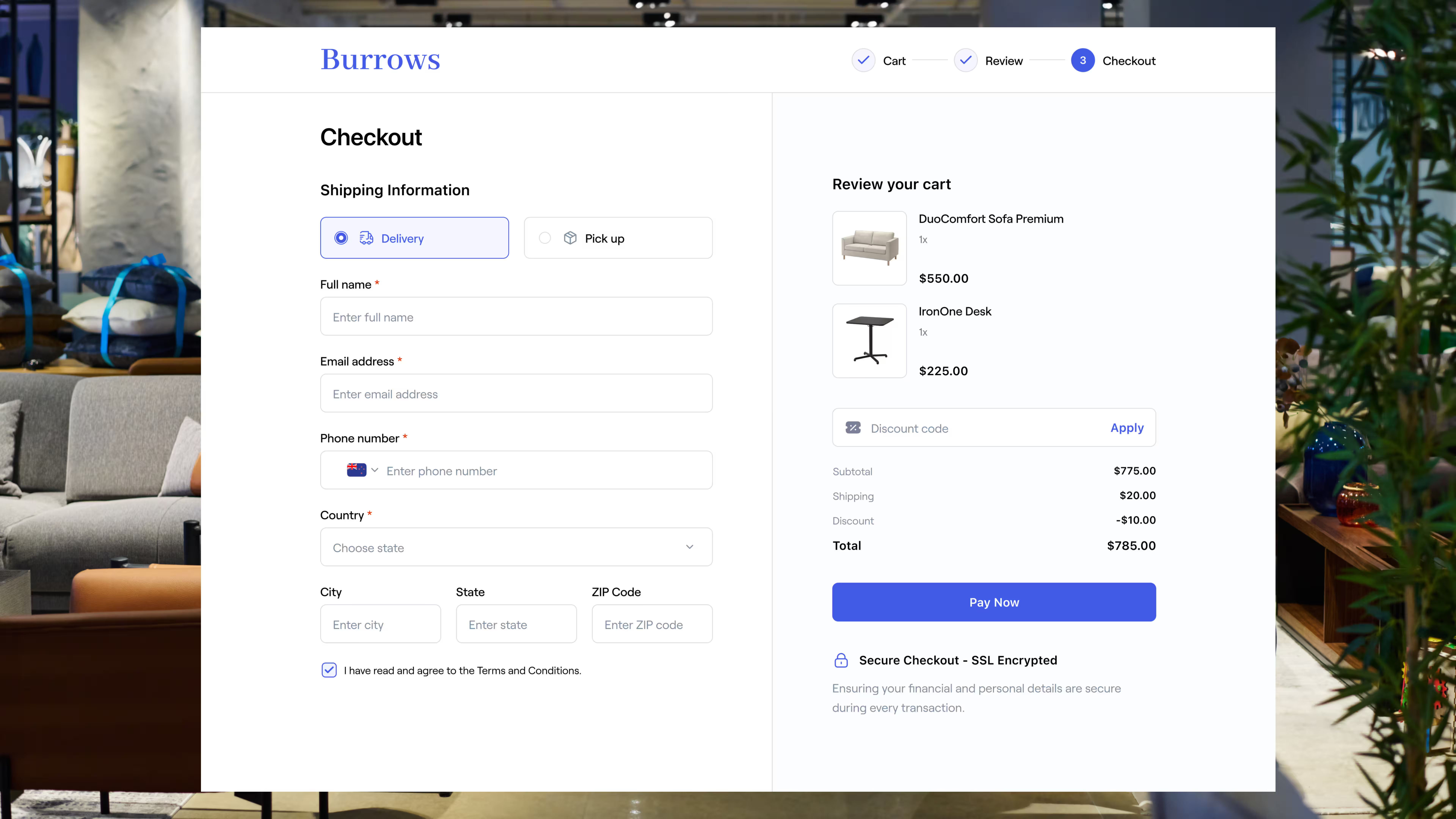
Good UX/UI work starts by finding where momentum breaks, then fixing the smallest things that restore movement. These are the four non-negotiables I’d expect from any UI/UX engagement.
1) Key-path diagnosisYou should see the work anchored to one or two paths that matter (home → service → enquiry, or landing → enquiry). If the scope is “the whole website” with no focus, it usually turns into opinions.
2) Prioritised fix planNot a long list. A ranked plan that says what to do first, second, and third, and why those changes matter more than the rest.
3) Buildable recommendationsThe output needs to respect your CMS, your content reality, your budget, and your dev capacity. If the design assumes a rebuild or perfect content, it should be stated plainly.
4) A way to measure the changeSuccess should be defined in behaviour terms (less drop-off, more completions, more people reaching the enquiry step), not “it looks better”.
What’s optional depending on what you’re building
Once the non-negotiables are covered, the rest depends on what kind of website or product you’re dealing with. This is where a lot of providers oversell “a full UX process” when you only needed one or two targeted improvements.
If it’s a lead-gen or service website
The highest leverage work is usually about clarity, trust, and the enquiry path.
That typically means tightening the page structure so it reads in a decision order, removing competing calls-to-action, improving proof placement, and making the enquiry step feel safe and low effort. You don’t always need deep research to get meaningful wins here, but you do need good judgement.
If it’s a product, SaaS, or portal
The leverage shifts from “do they enquire?” to “can they complete tasks without friction?”
This is where you want more attention on onboarding, navigation logic, empty and error states, and feature discovery. The risk isn’t just losing an enquiry. It’s losing adoption, retention, and support time because the product feels hard to use.
If it’s ecommerce
The leverage is usually findability and checkout.
If users can’t find the right product quickly, can’t compare confidently, or hit friction at checkout, you’ll see it in abandonment and low conversion. Good ecommerce UX tends to be less about novelty and more about removing uncertainty at the moment of purchase.
The point of these scenarios is simple: if a provider is selling the exact same UI/UX package to every context, they’re probably selling a template.
Do UI/UX services include development?
Sometimes. But often they don't.
UI/UX design services usually produce a diagnosis, a prioritised plan, and design outputs (recommendations, layouts, sometimes wireframes or prototypes). Development is a different scope. It’s implementation, testing, and maintenance.
Bundling design and development can be great if it reduces handoff risk and keeps constraints grounded. It can also be a mess if the “design” team is disconnected from what can actually be built, or if the “dev” team is forced to guess because the handoff is vague.
If you’re not buying development from the same team, the key thing to look for is handoff quality: are the recommendations buildable, clear, and complete enough that implementation doesn’t turn into interpretation?
As someone who develops designs for other agencies, (and I'm not just saying this because we do it, but) I can tell you when your UX/UI provider can develop, everything operates smoother and results come easier.
Now - the red flags that predict wasted money
Most bad UI/UX engagements don’t fail because the team was “uncreative”. They fail because the work wasn’t anchored to behaviour, wasn’t prioritised, or couldn’t be implemented cleanly.
Here are the red flags that usually show up on all bad UI/UX projects:
- Pretty screens, no evidence: If the work is mainly visual mockups with no clear explanation of what user problem they solve, you’re paying for taste. UX without evidence is just UI.
- No prioritisation, just a long list: A 40-point audit feels thorough, but it’s often a way to avoid judgement. If there’s no “do this first because it unlocks the path”, your team will debate and stall.
- Designed outside your constraints: If recommendations require a rebuild, perfect content, or complex engineering to implement, that’s fine, but it must be labelled plainly. If not, you’ll get concept art that can’t ship.
- Only happy paths, no real-world states: Real UX includes edge cases: errors, empty states, validation, loading, permissions, and what happens when something goes wrong. If those aren’t considered, developers end up improvising UX decisions in production.
- You get recommendations before any tracking: Quite often designers make recommendations without looking or even considering the actual data. If you're not already tracking it and they don't set up analytics, or you do track it and they don't even ask, they don't have any idea.
- Too much jargon, not enough clarity: If you can’t understand what’s being proposed without a translator, implementation will be messy. A good team can explain the constraint in plain language.
- Handoff that forces developers to guess: If the output is vague, inconsistent, or missing interaction details, developers fill the gaps. That’s where UX quality quietly dies.
- No measurement plan: If success is “it looks better”, you’re setting yourself up for disappointment. You should know what behaviour should change and how you’ll confirm it.
What good looks like (how to assess a provider quickly)
You don’t need a long procurement process to avoid the common traps. You need to ask a few questions that force the provider to show how they think.
Ask them how they diagnose. If their answer is basically “we’ll design some options”, that’s not diagnosis.
Ask them how they prioritise. If everything is “important”, they don’t prioritise.
Ask them how they keep the work buildable. A good provider will talk about constraints like CMS, dev capacity, and content reality without being prompted.
Ask them how they measure success. They should be able to define what behaviour changes if the work is successful.
What to do next
If you’re evaluating UI/UX services, don’t start by comparing deliverables. Start by confirming you’re buying the right thing.
Pick one key path that matters (home → service → enquiry is enough for most businesses). Identify where momentum breaks. Decide whether the constraint is UI clarity, UX friction, or something else. Then choose a scope that targets that constraint first.
If you want to see how we approach UX/UI as a discipline (diagnosis before redesign), start here on our UX/UI page.
If you want a straight answer on what you need and what a sensible scope looks like, book a consult. We’ll tell you what matters, what’s noise, and what you can ignore.
Frequently asked questions: